Sixhands Design System · v1.0 · Apr 2026
Six hands, one bowl. Hand-tossed for screens.
A design system for Sixhands — a Japanese-Australian salad bar in Singapore. Warm, hand-made, a little cheeky. These tokens, components and characters keep our consumer app fun and gamified — and our admin app focused and clean.
Order, collect, gift.
A playful loyalty app with mascots, stamps and gifting. Warm cream backgrounds, round shapes, rewarding micro-interactions.
Run the bar, calmly.
A focused operator tool for staff and managers. Dense data, predictable tables, reduced chrome — same brand, lower volume.
Brand
Logo, wordmark, voice. A Japanese-Australian salad bar — hand-made feel, a little cheeky, always warm.

Voice
Warm, direct, a little playful. Written like a friend at the counter. No corporate filler, no exclamation-mark overload — but earned warmth.
Color
A grounded palette: forest green for authority, cream for warmth, lime for energy. Muted supporting tones keep admin surfaces calm.
Brand · core
Support · warm & muted
System · feedback
Usage — Consumer
Cream backgrounds, butter warm zones for hero content, forest for CTAs and headings. Lime only for contrast inside forest CTAs, and for small delight accents. Blush is reserved for character work.
Usage — Admin
Cream background retained for brand continuity. Forest used sparingly — table headers, active nav, primary actions. Avoid butter/blush in data-heavy views; prefer cream-2 for striping.
Type
Nohemi for warmth and personality. Inter for UI precision. Damion as a rare scripted accent for brand moments only.
you having today?
Spacing · Radii · Shadows
Generous, round, quiet. Round corners are our strongest shape signature — everything from pills to cards.
Spacing scale · 4pt
Radii
Elevation
Elevation is subtle — we rely on color and round shapes to separate surfaces, not drop-shadow stacks.
Consumer components
Components for the mobile app. Round, tactile, generous padding. Inspired by the hand-built diner feel.
Buttons · Primary
Buttons · Secondary
Buttons · Ghost & Text
Input fields
Filter chips
Checkboxes
Dropdown (Select)
Component: Select in shared.jsx. Uses .input-icon chrome + Lucide ChevronDown (Ic.chevD(18)). Native appearance:none hides browser arrow; DS chevron replaces it.
Date field
Component: DateField in shared.jsx. Wraps Input type="date" with DS .input-icon chrome. For date ranges use DateRangePicker from shared-blocks.jsx.
Try it — live
Hover, focus, and press the components below to feel the real transitions. Static states above stay as reference.
Buttons
Primary lifts on hover, dips on press. Try keyboard Tab.
Dropdown — toggle
Native picker · DS chevron · focus ring on click.
Inputs + Date field — focus ring
Click anywhere in the field — Lucide calendar icon right-aligned.
Filter chips — toggle
Segmented toggle
2–3 mutually-exclusive views · SegToggle (.seg-toggle / .seg-btn). Use instead of tabs for 2 options.
Checkboxes — toggle
Click to toggle · tick snaps in with a scale bounce.
Points & rewards
Nudge banner
Bottom navigation
5 tabs · cream surface · subtle top-shadow lift.
Composition · Home screen
having today?
Consumer home — anatomy
A warm cream canvas with a butter blob behind the hero. Mascot character anchors order entry; points and gifts sit directly beneath as tappable pill stats. Bottom nav floats on a raised cream surface for thumb reach.
- Username in Nohemi 18 · forest
- Hero H1 in Nohemi 32 · forest · max 3 lines
- Character card 18px radius · butter fill
- Pill CTA on every hero card (forest + lime)
Characters
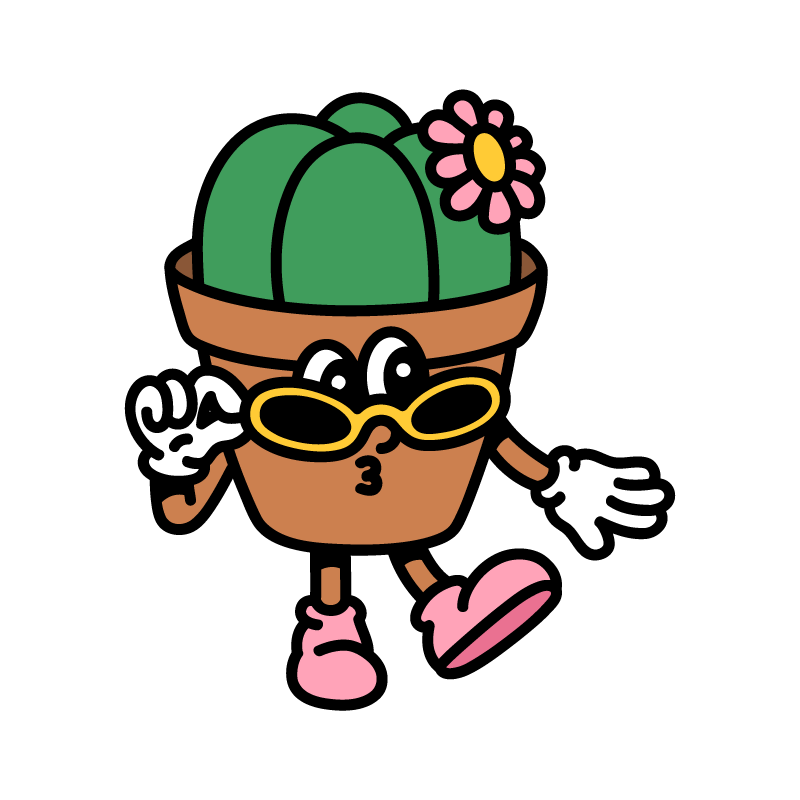
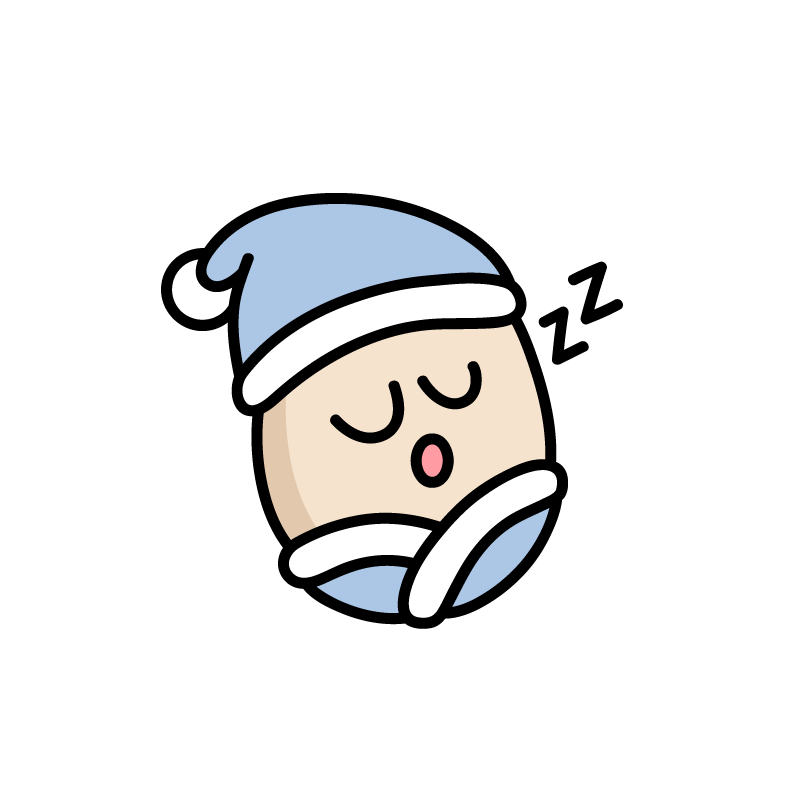
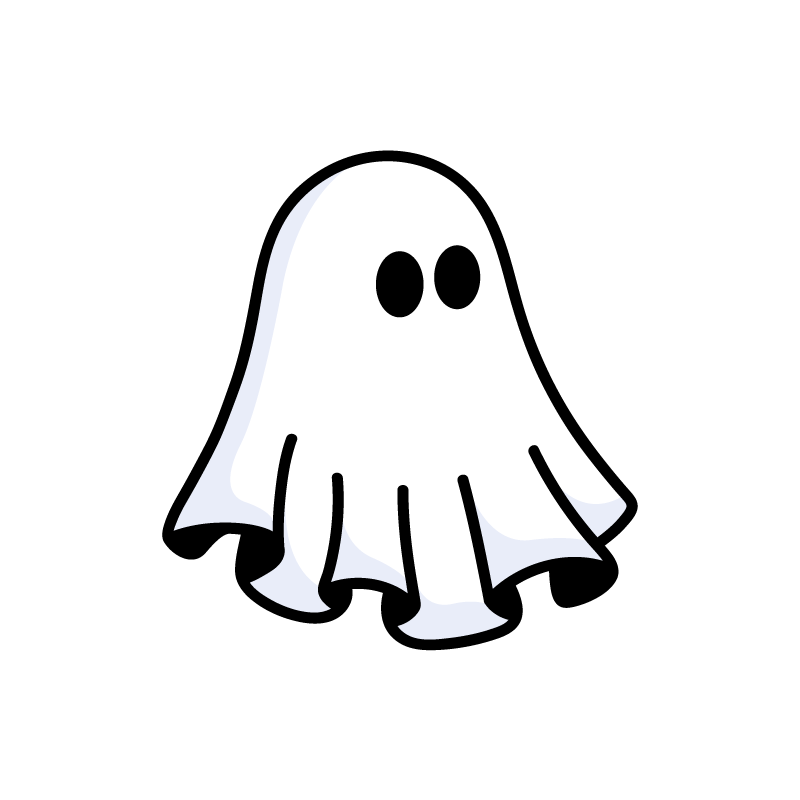
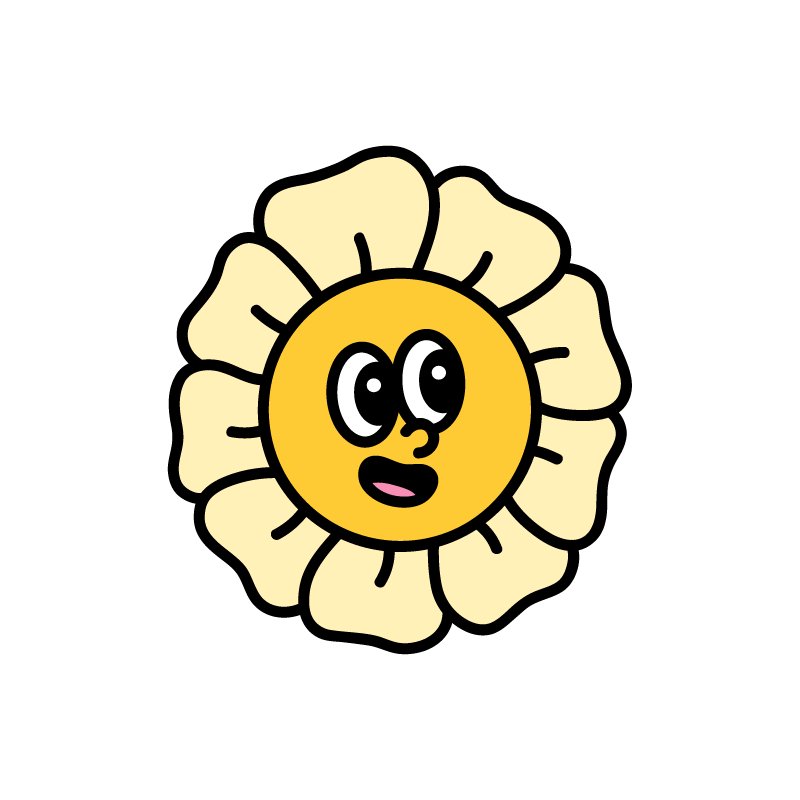
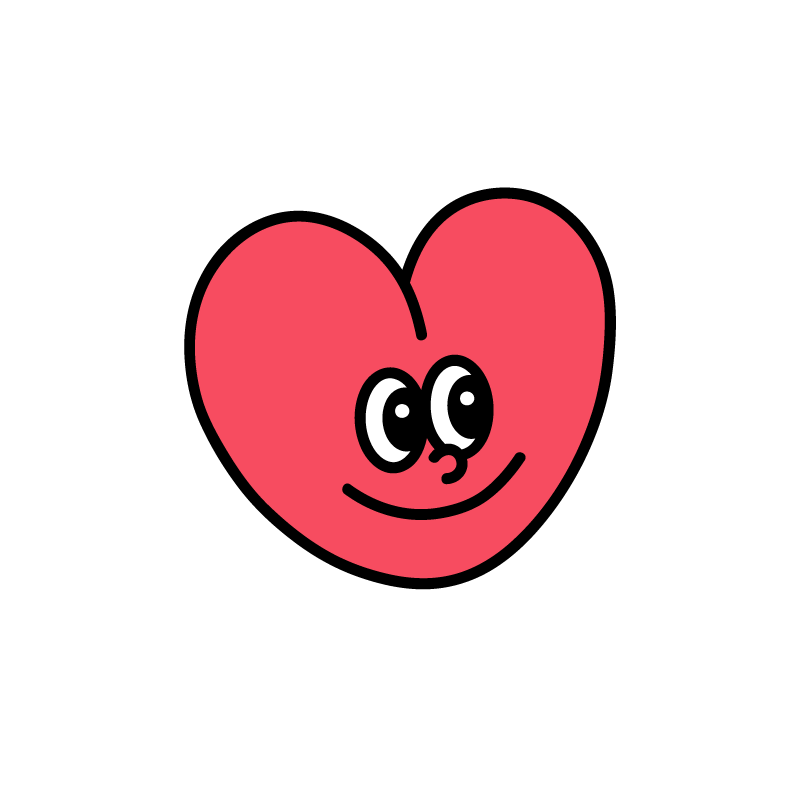
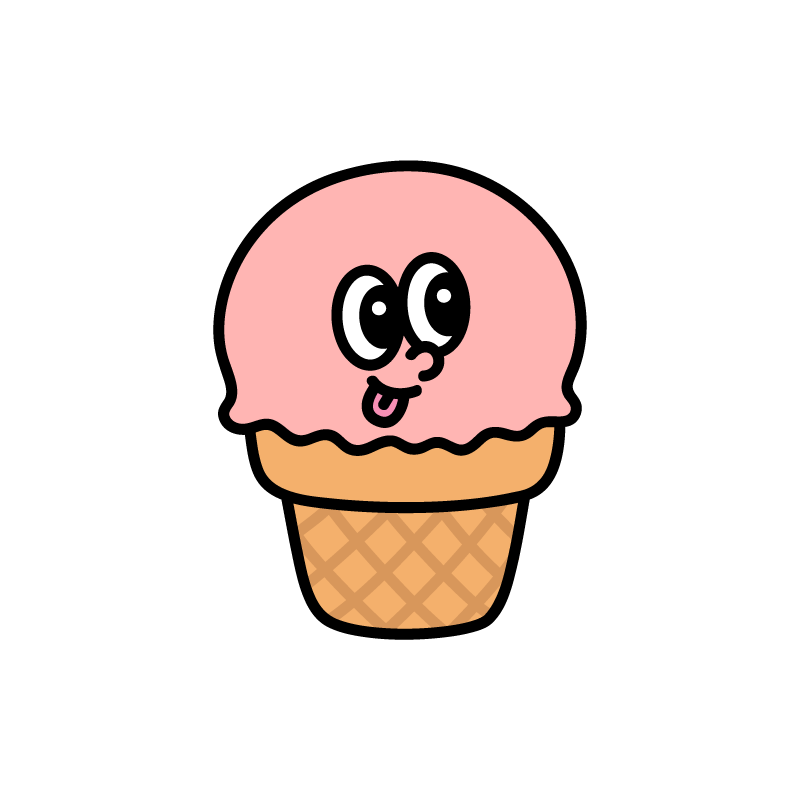
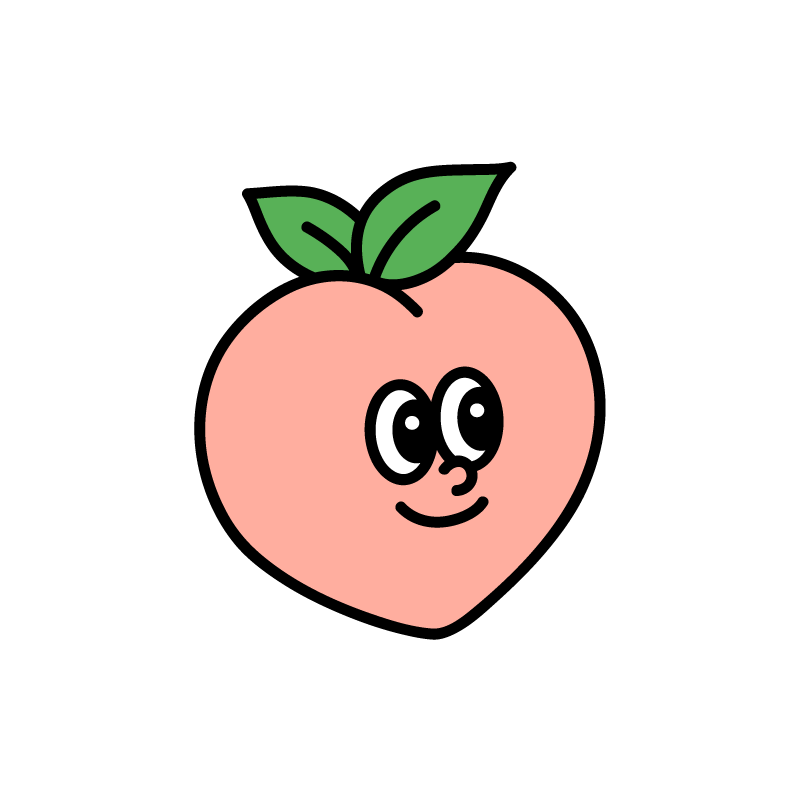
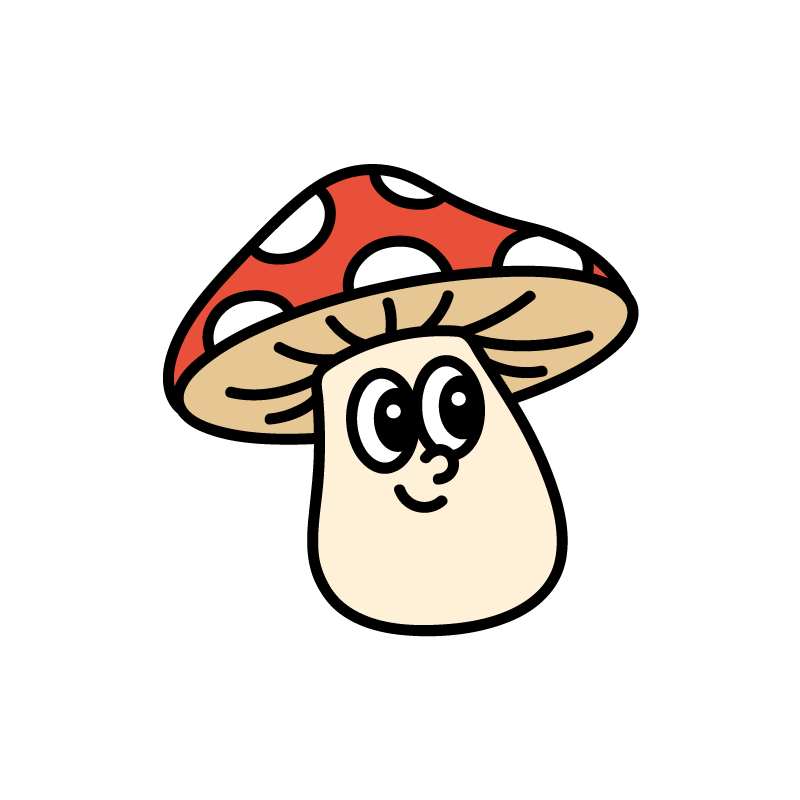
Eight mascots, one family. Heavy 6px black line, flat fills, soft-retro smile. Used as avatars, empty-states and delight moments. Consumer-only.
Usage
- Selected at sign-up as the user's avatar
- Each mascot has 4 expressions (1–4) for states & reactions
- Hero slot on home; avatar spot in menu + friends
- Never alter the outline weight or recolor outside brand palette
Don't
- Don't stretch, skew or rotate the mascots
- Don't place on patterned backgrounds — always solid cream, butter, or sage
- Don't use in admin surfaces (keep operator tools calm)
- Don't mix with other illustration systems
Iconography
Two icon sets — one per product. Consumer app uses bespoke SVG icons. Admin prototype uses the Lucide open-source icon pack.
Admin prototype — Lucide icon pack
| Pack | Lucide · lucide.dev |
| Pinned version | 0.460.0 |
| CDN | unpkg.com/lucide@0.460.0/dist/umd/lucide.min.js |
| Default size | 24 × 24 px |
| Default stroke | 1.8 px |
| Linecap / join | Round |
| Fill | None (stroke-only) |
| Default color | var(--forest-deep) default · var(--forest) active · var(--moss) inactive |
Usage in JSX (prototype)
{'// Short-key API (icons.jsx ICON_MAP)'
}{''
}{'Ic.search(16)   // Ic.key(size)'
}{'Ic.calendar(18) // overrides default size'}
Usage in HTML demos
<i data-lucide="chevron-down"
   style="width:18px;height:18px;stroke-width:1.8"></i>
<!-- call lucide.createIcons() after DOM is ready -->
Consumer app — bespoke SVG icons